


Before You Begin
Take proper safety measures when working outdoors in cold weather. Wear warm clothing and shoes with good traction. If using a ladder, ask a helper to spot you, especially if you’re contending with snow on the ground.
Step 1: Test the lights.
Before mounting your Christmas lights, first connect the strands and plug them in to make sure they work. I downloaded the Govee Home app at this stage, as it’s useful for testing my lights.
Step 2: Measure and plan your layout.


Though you might still need to climb a ladder to install Govee Outdoor Strip Lights, remember, you only need to do it once. That’s it! Be sure to measure carefully and strategize the best layout for strip lights on your house.
Step 3: Install the brackets.
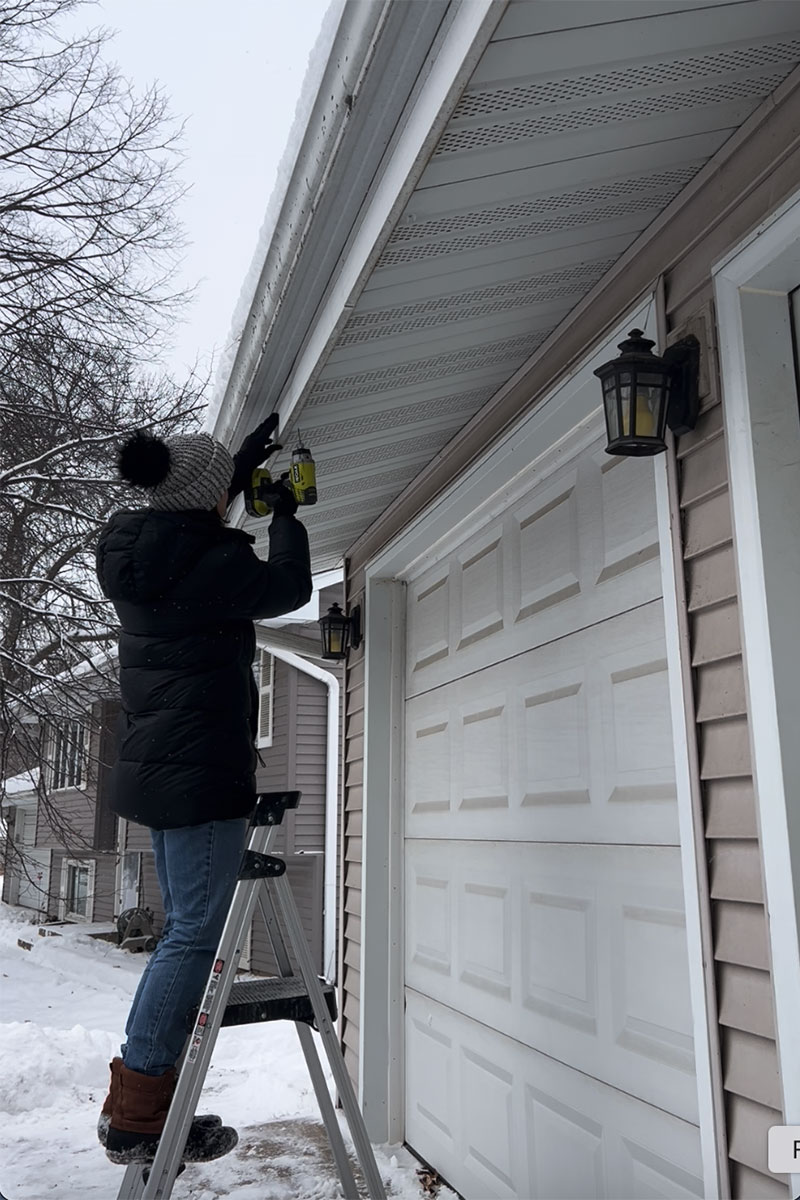
Secure the first bracket in a convenient location for connecting the lights to a power source. For me, it’s the far corner of my garage roofline. The Govee lights come with special plastic brackets and screws. I used a 3/32-inch titanium drill bit to make pilot holes in my aluminum soffits.
Step 4: Snap the strip lights into the brackets.
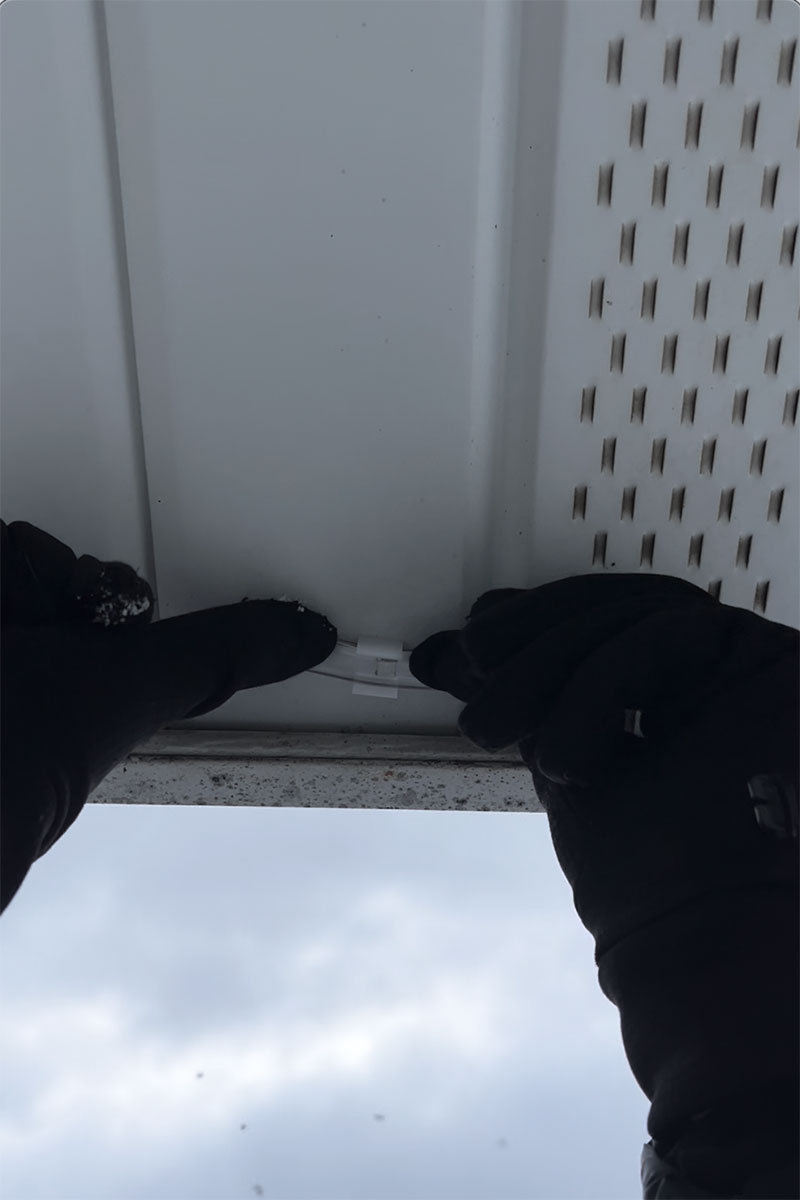
Thread the strip lights through the initial brackets. If needed, add more brackets and employ the adhesive backing to help the strips lay flat against the mounting surface. The Govee Outdoor Strip Lights can only be cut at the tail end of the strip, and there’s no going back once you cut them. Take care to ensure that you cut the strip at the appropriate location.
Step 5: Create unique light displays.
Once installed, the real fun begins with the Govee Outdoor Strip Lights. My favorite features in the app are Finger Sketch, which allows you to select colors and effects for specific sections of lights, and DIY, which allows you to save and edit truly custom displays. Of course, the app is also loaded with preset scenes for a variety of moods and occasions beyond holiday celebrations.

Meet the 2025 Tools of the Year